To be a Hackintosh user the desktop virtualization software VMware is must For making USB installer,Restoring images and so on then the “VMware unlocker” is a compulsory utility to run Mac OS X guests. This VMware Unlocker utility over right few VMware program files to be able to install and run latest 10.7,10.8,10.9,10.10,10.11 OS X guests.
VMware Unlocker to Run Mac OS X Guests in Windows 7/8/8.1
How to unlocke VMware workstation ?
I have updated the screenshots for latest 1.2.0 Unlocker I can confirm that latest 1.2.0
Unlocker works well with VMware workstation 9 on Windows 10Its very simple to
Unlock/Patch. Close all VMware programs (if opened) Extract the downloaded file. The
latest Unlocker is having patch for Windows, Linux, Fusion 4.0 on Snow Leopard and Lion
and VMware ESXi 5.
Read More Installation Guide on VMWARE
Install Maverick Distro On VMWARE
How to install MAC on VMWARE using Retail dmg
Before run the patch, its recommended to take a backup of VMware program folder,
because this patch will replace the original files. Right click on install.cmd file and select
run as administrator option as shown below. ( or you can start the command prompt as
administrator in Windows 7/8/8.1 computer and execute install.cmd from command prompt)
The successful patch will return the following screen (and disappears automatically)
because this patch will replace the original files. Right click on install.cmd file and select
run as administrator option as shown below. ( or you can start the command prompt as
administrator in Windows 7/8/8.1 computer and execute install.cmd from command prompt)
The successful patch will return the following screen (and disappears automatically)
That’s it. You patched the VMware workstation 10, 9, in Windows 7/8/8.1 host to run Mac OS X 10.5 and higher guest. Restarting the host computer is not required here.
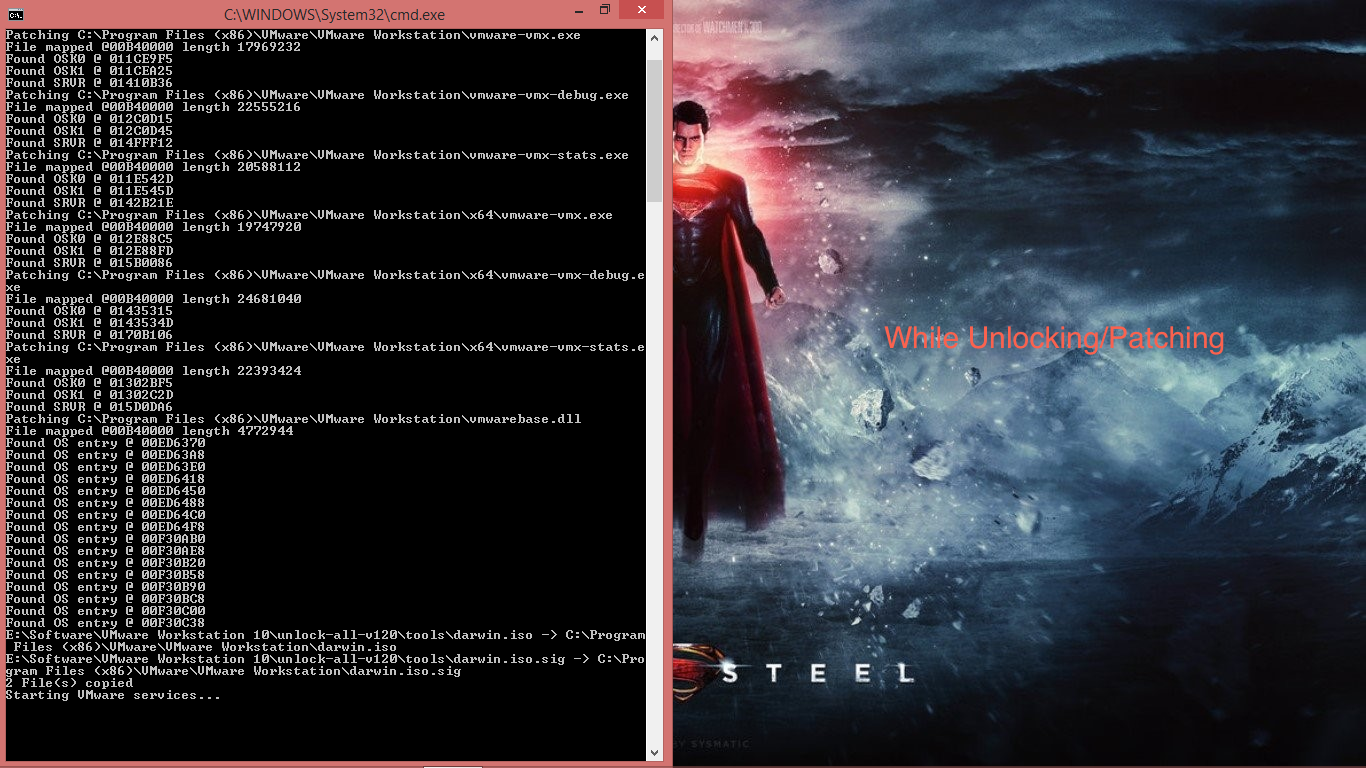
Following screenshot are just a example
Before Unlocking/Patching VMWARE WORKSTATION

After applying patch with VMware unlocker –You got one more Guest OS type and versions.
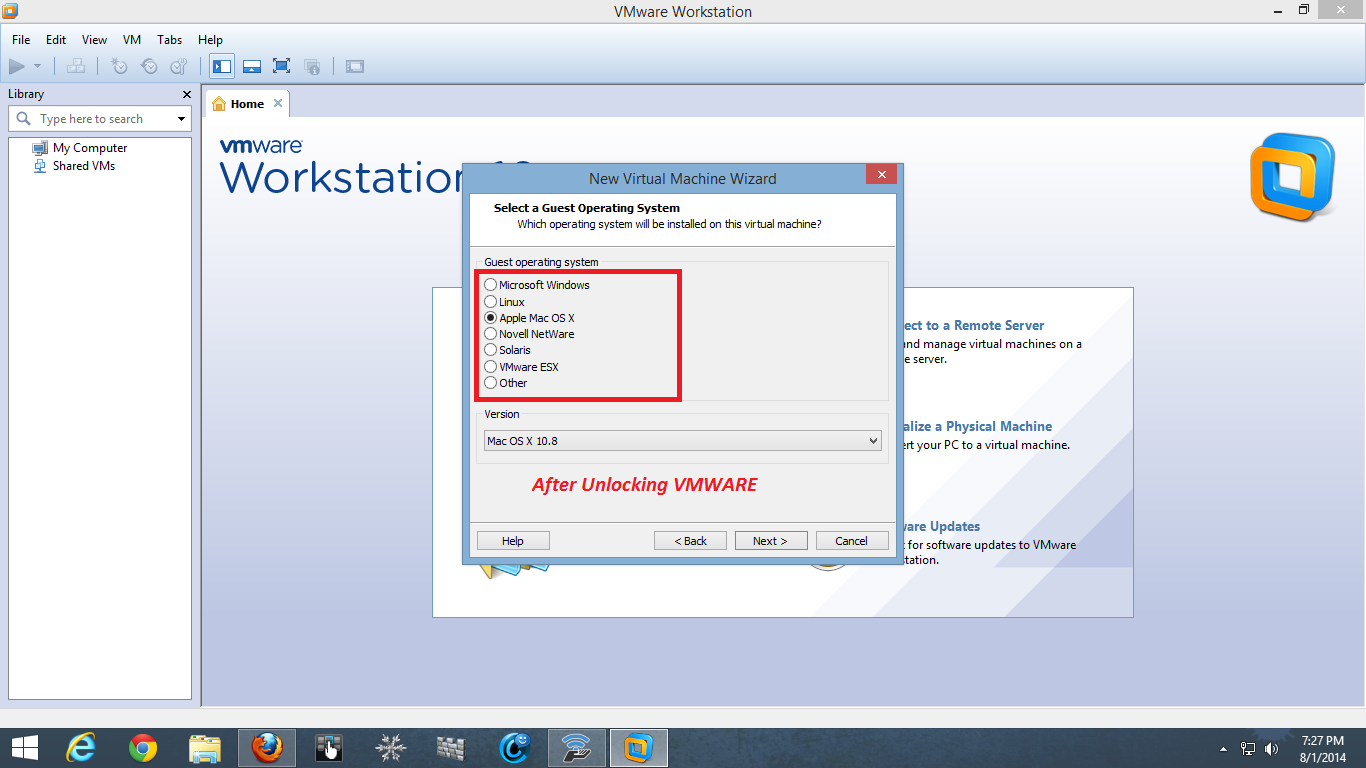
For Video Tutorial see this once
Note:-By using this VMware patch you can install any MAC distro like iAtkos,Niresh12495 in VMware workstation but source file should be in iso format else won’t works
